

The Short Answer
The best smart thermostat for most households is the Nest Learning Thermostat, thanks to its intuitive dial control, strong voice assistant support, and a learning mode that adapts to daily routines without much setup. For budget shoppers, the Honeywell Home X2S delivers most of the same convenience for roughly a third of the price. For anyone deep in a particular smart home ecosystem or juggling a finicky HVAC system, the Ecobee Smart Thermostat Premium and the Sensi Touch 2 are both worth serious consideration.
None of these devices are interchangeable, though marketing often makes them sound that way. Each one handles wiring, sensors, and app design a little differently, and those differences matter once the thermostat is actually on your wall. This guide breaks down which model fits which kind of home, plus the wiring and privacy questions that trip up most first-time buyers.
A smart thermostat is essentially a Wi-Fi connected control unit for your heating and cooling system that can be adjusted from a phone, learn a schedule, and often talk to voice assistants like Amazon Alexa or Google Assistant. That’s the whole category in one sentence. What separates the good ones from the mediocre ones is sensor accuracy, app design, and how gracefully they handle older HVAC wiring.
Top Picks Ranked and Explained
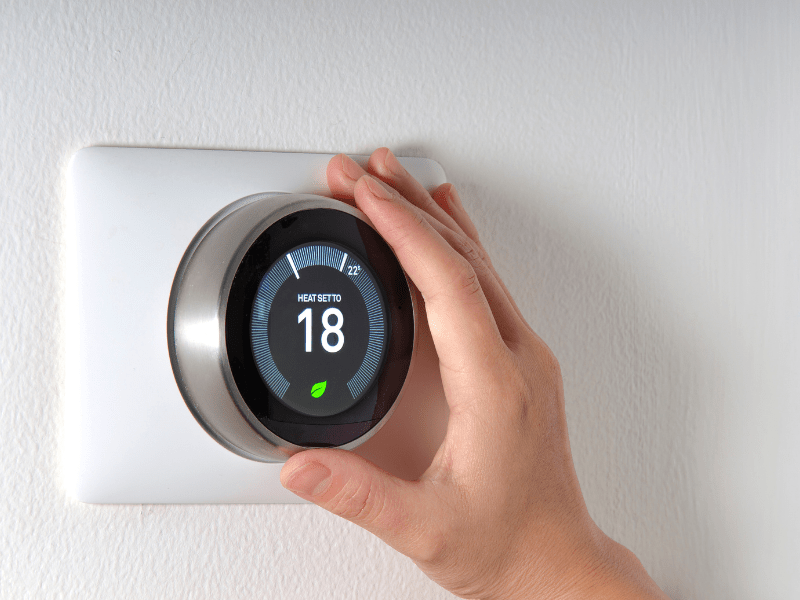
Here are the models worth your money right now, based on hands-on testing patterns and consistent feedback from HVAC technicians and everyday users alike.
Nest Learning Thermostat
- Sleek rotating dial, minimal learning curve
- Works with Google Assistant and Alexa
- Learns your schedule after about a week of manual adjustments
- Supports add-on temperature sensors for individual rooms
- No Apple HomeKit support, which is its biggest drawback
The Nest thermostat line has been around for well over a decade, and it still holds up as the most polished option for someone who wants smart features without fiddling. Because it was designed by the same team behind early iPod hardware, the dial interface feels familiar even to people who have never owned a connected device before. It draws power in a way that can occasionally strain HVAC systems lacking a common wire, so budget for a quick call to an electrician if that describes your setup.
Sensi Touch 2
- Touchscreen interface with old-school thermostat styling
- Requires a C-wire for installation
- Supports up to 15 remote sensors for multi-room averaging
- Dehumidification mode via overcooling
- Basic looks, but excellent temperature accuracy
The Sensi Touch line appeals to people who want smart functionality but don’t want their wall to look like a gadget showroom. Accuracy testing on similar models has shown readings within about a degree of a calibrated thermometer, which improves further once extra room sensors are added. It’s a strong pick for larger homes with uneven heating and cooling.
Honeywell Home X2S
- Entry-level price point, usually just over $50
- Compatible with Google, Alexa, Apple Home, and Matter
- Requires a C-wire
- No room sensor support
- Basic design but solid core functionality
Honeywell Home built its reputation over more than a century in temperature controls, and the X2S is proof that budget doesn’t have to mean bare-bones. It skips the fancier extras like remote sensors, but for a starter home or rental upgrade, it covers the basics without asking much of the buyer.
Honeywell Home X8S
- Larger, customizable touchscreen display
- Integrates with room sensors and some video doorbell systems
- Adds air quality monitoring and a “feels like” temperature feature
- Most expensive model in the Honeywell lineup
- Some setup friction reported during initial pairing
This is the step-up model for people who already like Honeywell’s approach but want whole-home comfort control rather than a single-zone setup. The added sensors make a real difference in homes with rooms that run hot or cold relative to the rest of the house.
Ecobee Smart Thermostat Premium
- Built-in Alexa voice assistant, no separate speaker needed
- Wide compatibility with different HVAC system types, including multi-stage setups
- Includes a room sensor in the box
- Air quality monitoring and zone scheduling
- Pricier than most competitors, and wiring can be more involved
The Ecobee smart thermostat Premium is the pick for anyone who wants their heating control to double as a smart home hub. Alexa is built directly into the unit, so you can ask it questions or control other devices without a separate speaker. It supports more HVAC configurations than most rivals, which matters if you have a heat pump or a multi-stage furnace.
Ecobee Smart Thermostat Essential
- A stripped-down version of the Premium at a lower price
- Energy Star certified
- Works with Siri, Alexa, and Google Assistant
- No built-in room sensor, sold separately
- Good middle ground between the X2S and the Premium
If the Premium feels like overkill but the X2S feels too basic, the ecobee smart thermostat essential splits the difference nicely. It keeps the voice assistant compatibility and energy tracking while dropping some of the pricier extras.
Matching a Model to Your House
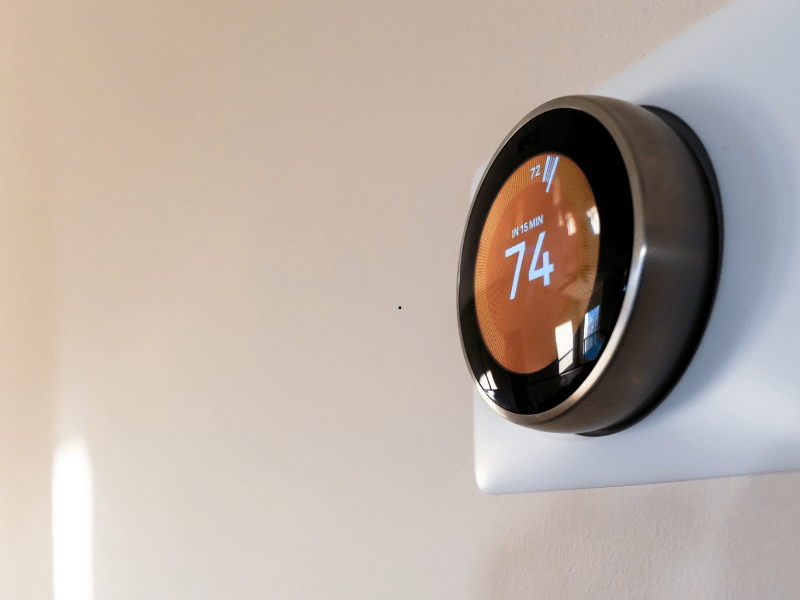
Not every thermostat suits every house, and the wrong pick can mean weeks of troubleshooting. A few practical questions narrow the field fast.
- Older homes with two-wire heating systems: Look for models explicitly rated for two-wire compatibility, since many smart units assume a modern setup.
- Heat pumps or multi-stage furnaces: Ecobee tends to offer the broadest HVAC compatibility here.
- Renters or first-time installers: A DIY-friendly model with push connectors, like Sensi or Nest, reduces the risk of a botched install.
- Large homes with temperature swings between rooms: Prioritize a thermostat with remote sensor support, such as Ecobee or Sensi.
- Tight budgets: The Honeywell Home X2S or a Sensi Lite model covers the fundamentals without the premium price tag.
Think about what your household actually does before buying. A family with a wildly inconsistent schedule may get more value from programmable thermostat scheduling than from a learning algorithm that keeps guessing wrong.
The C-Wire Question Nobody Explains Well
A C-wire, short for “common wire,” provides continuous 24-volt power to a thermostat rather than relying on the system’s call-for-heat or call-for-cool wires to borrow power. Most smart thermostats need this steady power source to run their screens, Wi-Fi radios, and sensors.
Do I Need a C-Wire?
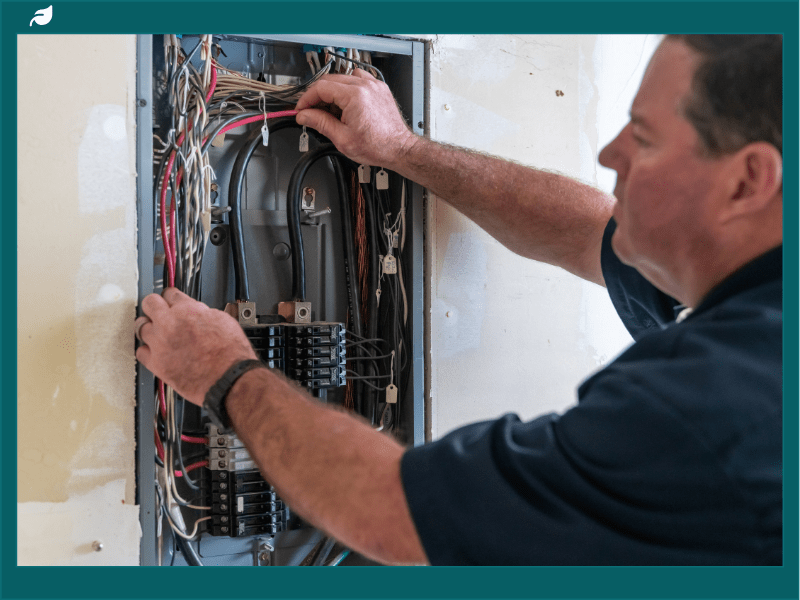
Check the wiring behind your current thermostat. If you see a wire connected to a terminal labeled “C,” you already have one and installation should be straightforward.
If there’s no C-wire, you have three real options:
- Use a wi-fi thermostat model with a built-in power-stealing workaround, which some Nest models use with mixed reliability on certain HVAC systems.
- Buy a conversion kit, which several Ecobee and Sensi models include, to create a virtual common wire.
- Hire an electrician or HVAC technician to run an actual C-wire, which is the most reliable long-term fix.
Skipping this step is the single most common reason smart thermostats misbehave after installation, including screen flickering, Wi-Fi dropouts, or a furnace that short-cycles.
Voice Control and Ecosystem Fit
Every major smart thermostat now talks to at least one voice assistant, but the depth of that integration varies. Google Assistant tends to pair most naturally with Google Nest thermostat models, unsurprisingly, since both come from the same company. Ecobee’s Premium model goes a step further with Alexa built directly into the hardware, letting the thermostat double as a smart speaker.
If your house already runs on a particular smart home platform, buy the thermostat that fits it rather than trying to force compatibility later. Switching ecosystems after the fact usually means re-pairing several devices and relearning an app, which is more hassle than it sounds.
- Alexa users: Ecobee Premium (built-in) or any Honeywell Home model
- Google Assistant users: Nest Learning Thermostat or Nest Thermostat
- Apple Home users: Honeywell Home X2S or X8S, since Nest still lacks HomeKit support
- Matter-compatible setups: Honeywell Home and several newer third-party thermostats now support the standard, which should ease cross-platform switching over time
What These Devices Actually Save You
The pitch behind every smart thermostat is that it will trim your energy bill, and in most cases that holds up, provided the scheduling and sensors are actually being used. A learning thermostat left on factory defaults saves you almost nothing, because the savings come from the software adjusting heat and cooling around when people are actually home.
Look for these features if lowering utility costs is your main goal:
- Geofencing, which uses your phone’s location to detect when the house is empty
- Room sensors, which stop the system from overheating or overcooling based on a single, possibly unrepresentative spot
- Utility company rebate compatibility, since many providers offer credits for enrolling a smart thermostat in demand-response programs
- Filter change reminders, which keep the HVAC system running efficiently rather than straining against a clogged filter
None of this requires an engineering degree to set up. Most of the meaningful savings come from letting the device do what it’s designed to do rather than manually overriding it every day.
Privacy and Data Considerations
Smart thermostats collect data on occupancy patterns, temperature preferences, and sometimes location, all of which gets sent to a company’s servers to make the “smart” features work. That’s a reasonable trade for most households, but it’s worth knowing before you install one.
Look for a company that publishes a clear privacy policy and lets you opt out of data sharing for advertising purposes specifically, even if some usage data is required for the thermostat to function. Google, Amazon, and Ecobee all publish privacy details for their thermostat lines, and it’s worth a few minutes reading before setup rather than after.
SBM’s stance here is straightforward: buy from a company that discloses its data practices plainly, and avoid any device that bundles unnecessary data collection into features you don’t actually use. Convenience is not worth an open-ended data pipeline into your daily routine.
Frequently Asked Questions
What is the best smart thermostat overall?
The Nest Learning Thermostat is the strongest all-around pick due to its intuitive dial, wide voice assistant support, and dependable learning algorithm. It suits most homes without requiring extensive customization.
Do I need a C-wire for a smart thermostat?
Not always, but it helps. Many models include workarounds or conversion kits for homes without one, though a properly wired C-wire remains the most reliable long-term solution and avoids issues like Wi-Fi dropouts or screen glitches.
Is Ecobee or Nest better for a smart home setup?
Ecobee generally wins for smart home depth, since its Premium model includes a built-in Alexa speaker, a bundled room sensor, and support for a wider range of HVAC systems. Nest wins on simplicity and design if you mainly want a Google Assistant connection.
Can I install a smart thermostat myself?
Most models are designed for DIY installation, with push-connector terminals and app-guided setup that walks you through the wiring step by step. If your HVAC system uses an unusual configuration, such as a multi-stage heat pump, or you’re not confident identifying wires, hiring an HVAC professional is worth the small cost.
How much can a smart thermostat actually save on heating and cooling?
Savings vary by climate, home size, and how consistently the scheduling and sensors get used, but consistent use of geofencing and room sensors produces the most noticeable difference. Utility rebate programs can also offset part of the upfront device cost.
Are cheaper smart thermostats worth buying?
Yes, for straightforward homes without unusual wiring needs. A budget model like the Honeywell Home X2S covers scheduling, remote control, and voice assistant support, which is most of what people actually use day to day.
Final Thoughts
Choosing the right thermostat comes down to matching the device to your wiring, your smart home ecosystem, and how much control you actually want over individual rooms. Start by checking behind your current thermostat for a C-wire, decide whether Alexa, Google Assistant, or Apple Home matters most to your household, and then pick from the models above rather than chasing whichever one has the flashiest screen. That single afternoon of homework saves a lot of frustration later.